Overlay overview
Stream Overlays is built from three concepts:
- Theme packages control the visual style.
- Overlay types control what data a browser source shows.
- Integrations add external data sources, such as TrackDraw.
Start with a theme package when you want a cohesive look. Use the overlay type pages when you need exact URL patterns or OBS guidance.
Want a custom theme?
Start a topic in Discussions with your branding and we can create a custom preset.
Theme packages
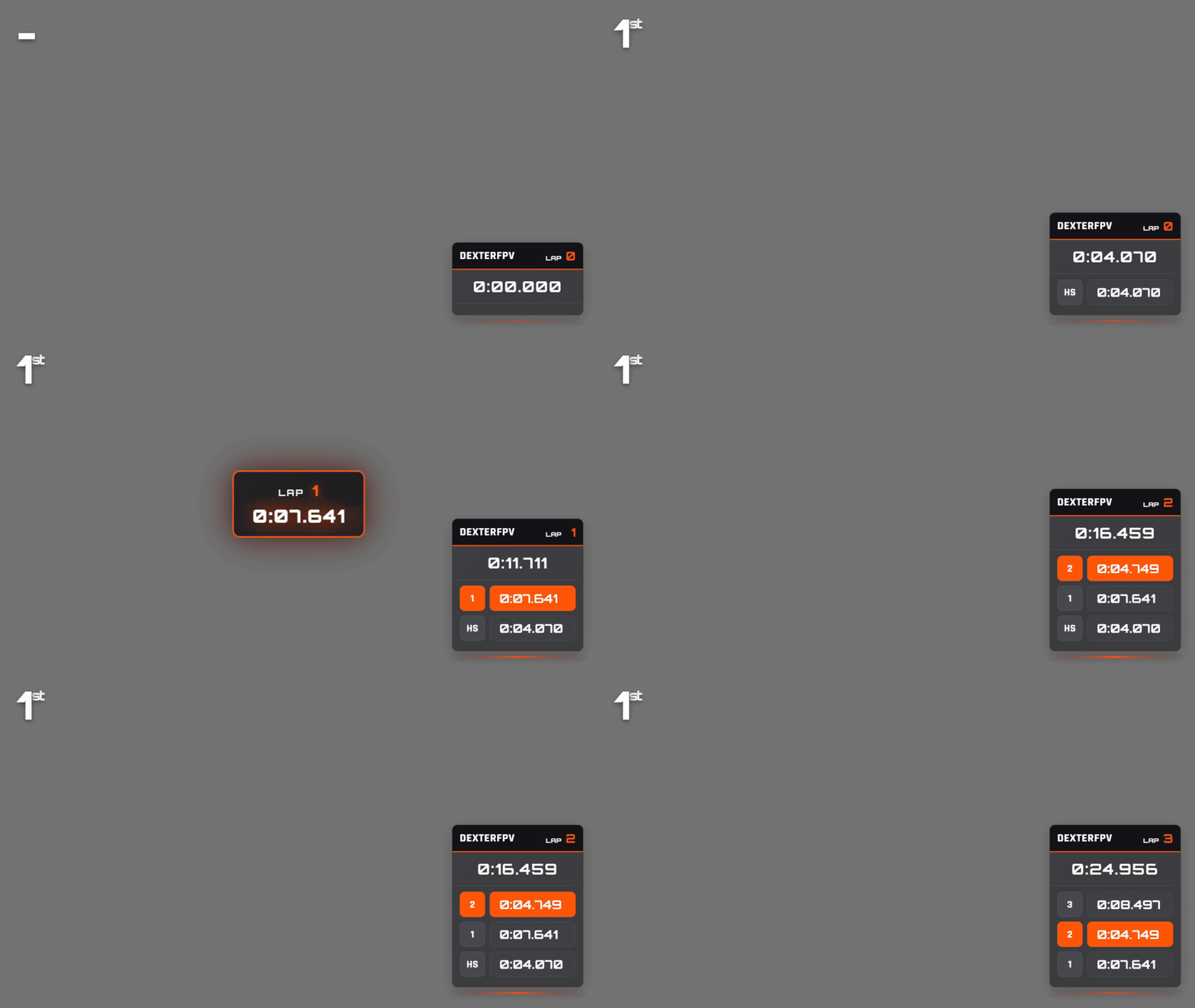
Apex
Glassy esports overlay with floating rank badge, lap popups, and metallic topbar.
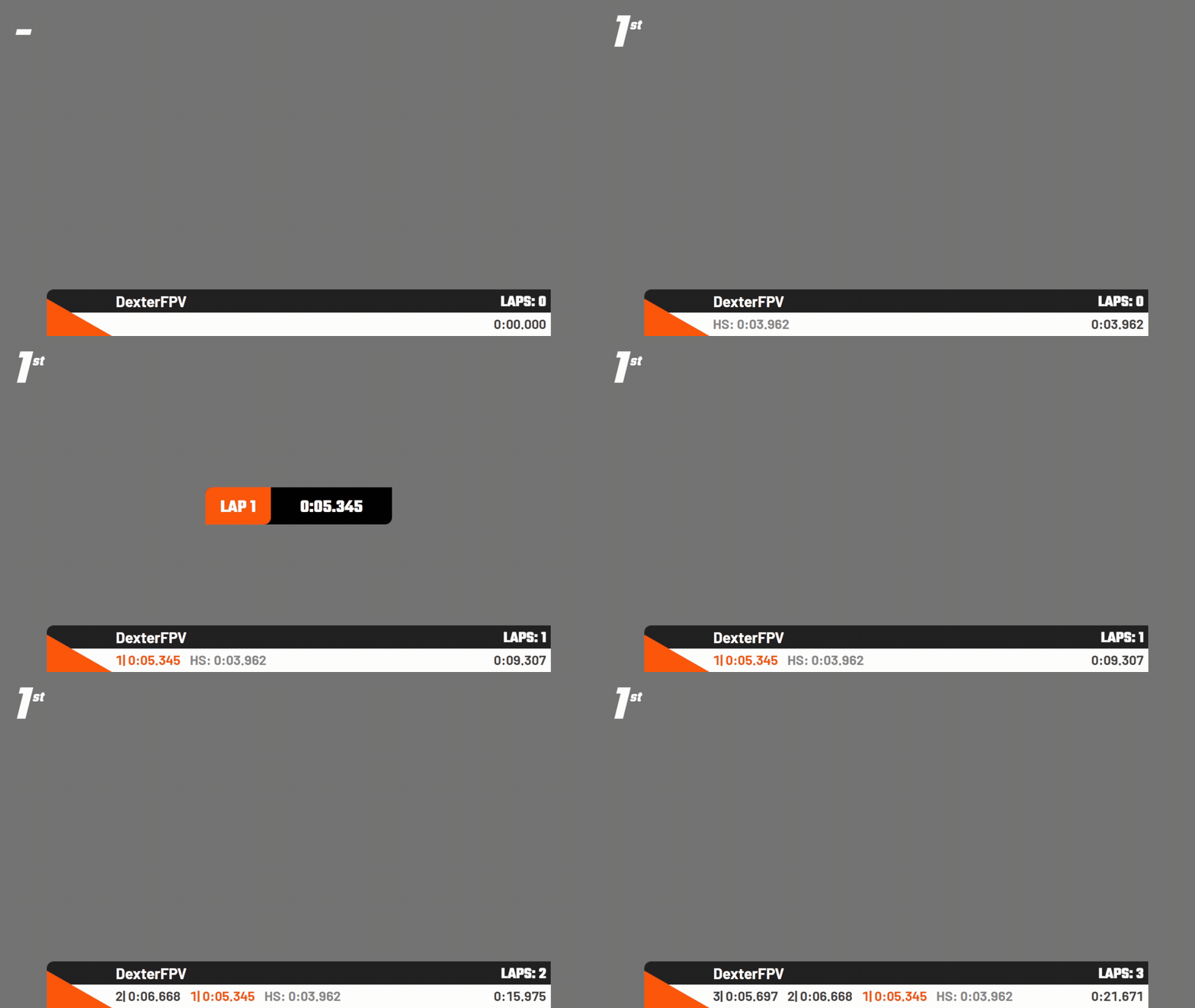
Dutch Drone Squad
Bold orange triangles, scrolling lap marquee, and matching DDS topbar.
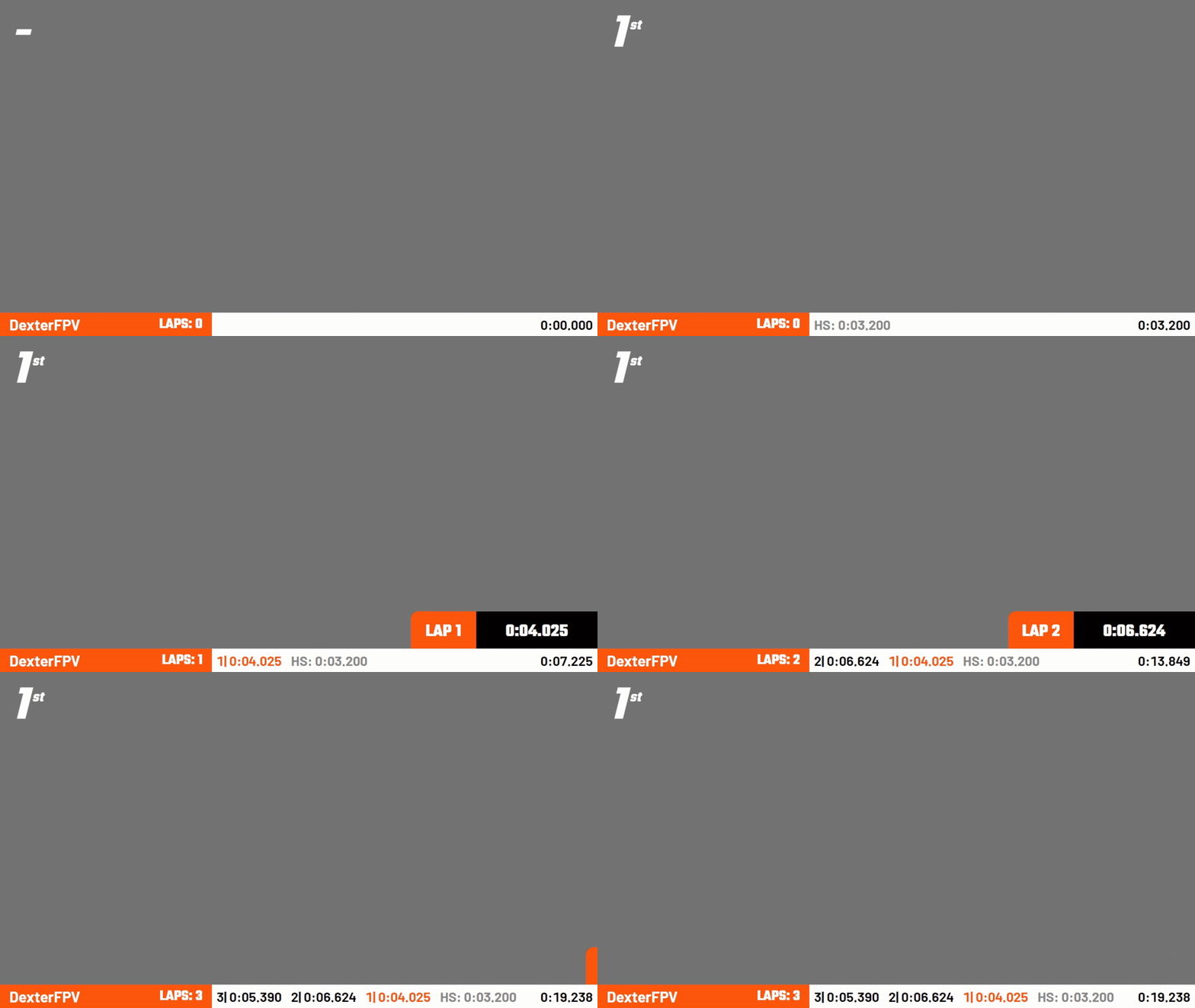
LCDR
Minimalist Liga Colombiana Drone Racing lower-third with lap marquee.
Overlay types
| Type | Available themes | Best for |
|---|---|---|
| Node overlays | Apex, DDS, LCDR | Pilot camera scenes and node grids |
| Topbars | Apex, DDS, LCDR | Race title, event branding, and timer context |
| Upcoming heat | Apex, DDS, LCDR | Pre-race lineups and intermission scenes |
| Leaderboards | DDS | Class and overall rankings |
Integrations
| Integration | Overlays | Use it when |
|---|---|---|
| TrackDraw | Live Race Map, Overview | You want live track-position visuals based on TrackDraw geometry |
TrackDraw overlays are documented under Integrations because they require project setup before they can be used in OBS.